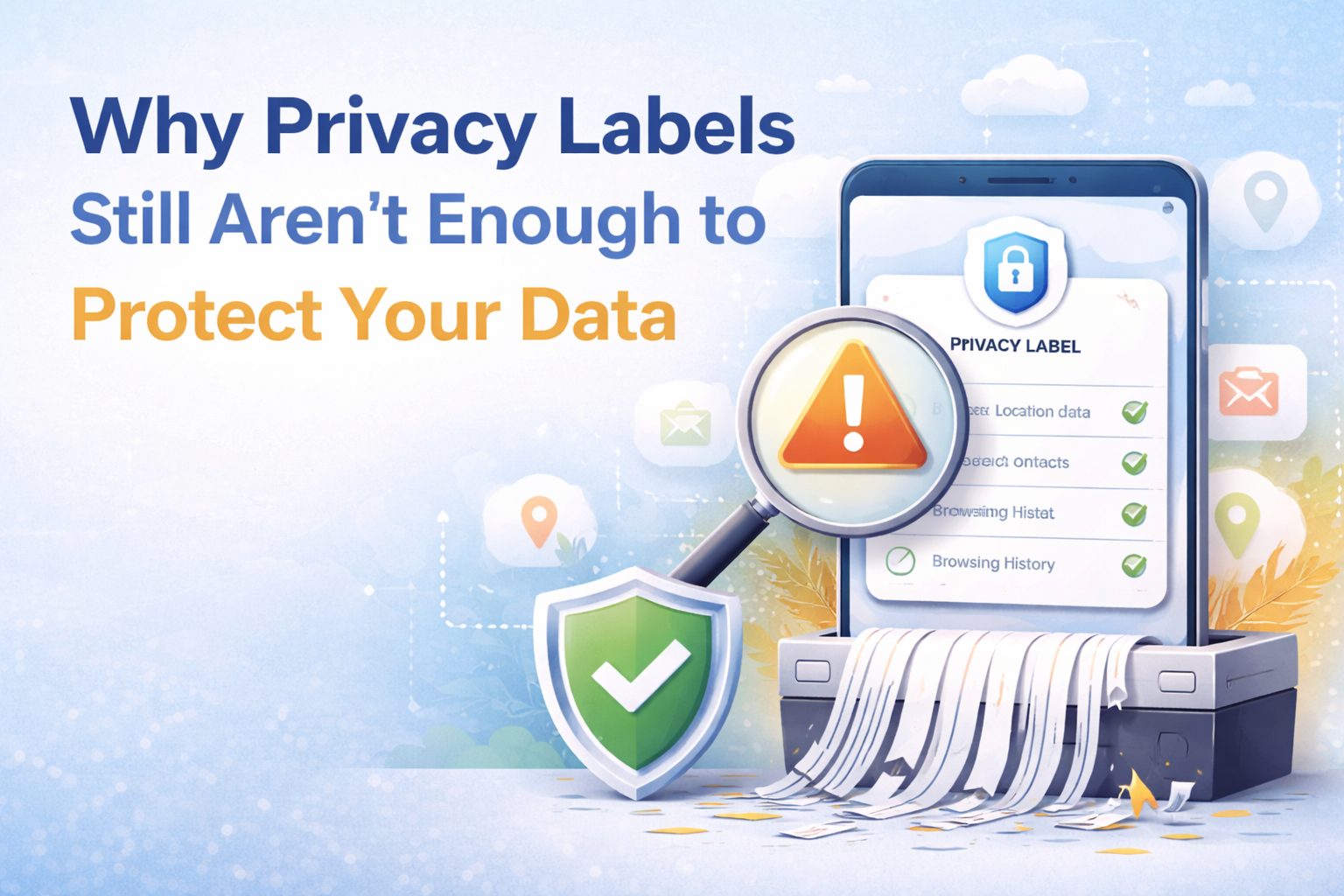
Why Privacy Labels Still Aren’t Enough to Protect Your Data
In today’s digital world, data privacy is a growing concern for both individuals and businesses. Many rely on privacy labels to understand how apps handle their information—but these labels don’t always provide a complete or a
Privacy labels are meant to help users understand how their data is being collected and used—but new findings show they may not be as reliable as many people think.
What Are Privacy Labels?
Privacy labels are disclosures—commonly seen in app stores—that explain:
- What data an app collects
- How that data is used
- Whether it’s shared with third parties
They’re designed to give users transparency and help them make informed decisions before downloading or using an app.
What’s the Problem?
In theory, privacy labels are a great idea. In practice, they fall short.
Reports found that:
- Inconsistent Reporting: Similar apps often disclose very different levels of data collection
- Incomplete Information: Some apps don’t fully reveal how data is used or shared
- Lack of Standardization: There’s no uniform way companies interpret or present privacy details
👉 This makes it difficult for users—and businesses—to truly understand the risks.
Why This Matters
Privacy labels can create a false sense of security.
Users may assume:
- “If it’s listed, it must be accurate.”
- “If it’s not listed, it’s not happening.”
But that’s not always the case.
For businesses, this can lead to:
- Increased exposure to third-party risks
- Compliance challenges
- Unintentional data sharing
Cyber Smart Takeaway
Privacy labels are a helpful starting point—but they are not a guarantee of privacy or security.
Trusting them blindly can leave gaps in your data protection strategy.
What You Should Do Instead
✅ Don’t Rely on Labels Alone
Use privacy labels as a guide—not a final decision-maker.
Review Privacy & Security pages and descriptions.
✅ Review App Permissions Carefully
Look at what an app actually requests access to and ask yourself, does it really need:
- Contacts
- Location
- Files
- Camera/microphone
✅ Vet Third-Party Tools
If your business uses apps or integrations:
- Evaluate vendors beyond surface-level disclosures
- Understand how your data is handled
✅ Limit Data Sharing
Only provide the information that’s truly necessary.
✅ Stay Informed on Privacy Practices
Policies and data usage can change over time—don’t assume they stay the same.
Why This Is a Bigger Issue
As more businesses rely on cloud apps, SaaS tools, and integrations, data privacy is no longer optional—it’s a critical risk area.
If you don’t fully understand how your data is being used, you may already be exposing more than you realize.
What You Should Do Next
- Audit the apps and tools your business currently uses
- Identify what data they collect and share
- Remove or replace tools that request excessive permissions
- Educate your team on data privacy awareness
Stay Ahead of Privacy & Cyber Risks
Data privacy is evolving—and so are the risks that come with it.
👉 Join the Cyber Smart Resource Insider Community to get real-world cyber alerts, privacy insights, and practical guidance delivered straight to your inbox.